How to Check if a Phone is Stolen or Blacklisted: A Guide for Nigerian Buyers
Purchasing a second-hand phone in Nigeria can be a great way to own a flagship device at a fraction of the cost. However, the market is unfortunately a primary outlet for stolen goods. If you unknowingly buy a phone that has been reported stolen or lost, you face the risk of the device being blacklisted by network providers like MTN or Airtel. Even worse, you could be implicated in a criminal investigation by the Nigerian Police Force.
Instructions for Running a Stolen Phone Check
Before you pay any vendor, follow these systematic steps to verify the status of the mobile device.
- Retrieve the IMEI Number Dial *#06# on the device keypad. Ensure you write down the 15-digit number accurately. If the phone has two SIM slots, note both IMEI numbers.
- Verify the Hardware Identity Check that the IMEI displayed on the screen matches the number printed on the SIM tray or the back of the phone. Inconsistencies suggest the phone has been rebuilt or tampered with.
- Use the CheckYourIMEI.ng Search Portal Enter the IMEI into the search bar on our homepage. Our system queries global and local databases to see if the device has been flagged by previous owners or law enforcement.
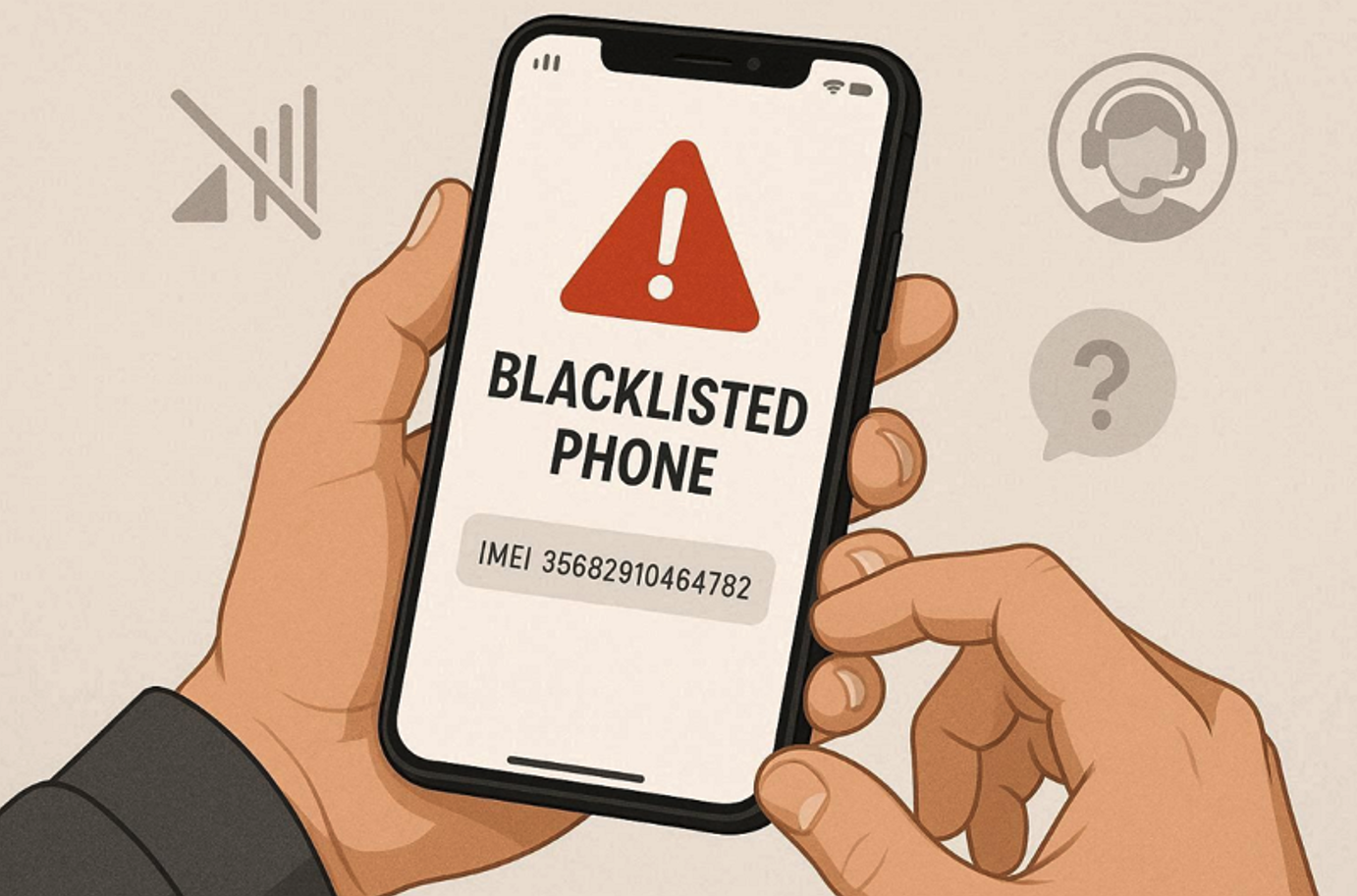
- Analyze the Blacklist Status If the report shows "Blacklisted" or "Reported Stolen," stop the transaction immediately. A blacklisted phone will eventually lose all network signal in Nigeria.
What Does it Mean if a Phone is Blacklisted?
When a phone is blacklisted, its unique identity is added to a central database shared by telecom operators via the GSMA. This action is usually taken because:
- The original owner reported the phone as stolen to their network.
- The device was involved in fraudulent activities.
- The phone was purchased on a contract abroad, and the payments were defaulted.
Frequently Asked Questions
Can a blacklisted phone be unblocked in Nigeria?Only the person or organization that placed the device on the blacklist can request its removal. If you buy a stolen phone, you cannot legally unblock it. Attempting to bypass a blacklist through illegal software is a crime.
Will a phone stolen in the UK work in Nigeria?Most network providers now share a global blacklist. If a phone is reported stolen in the UK or USA, it will likely be blocked by Nigerian networks once the IMEI is synced with the global GSMA database.
How long does it take for a stolen phone to be blacklisted?It can happen within minutes of the owner reporting the theft. However, some devices may take a few days to show up on global databases. This is why checking the IMEI status right before purchase is critical.