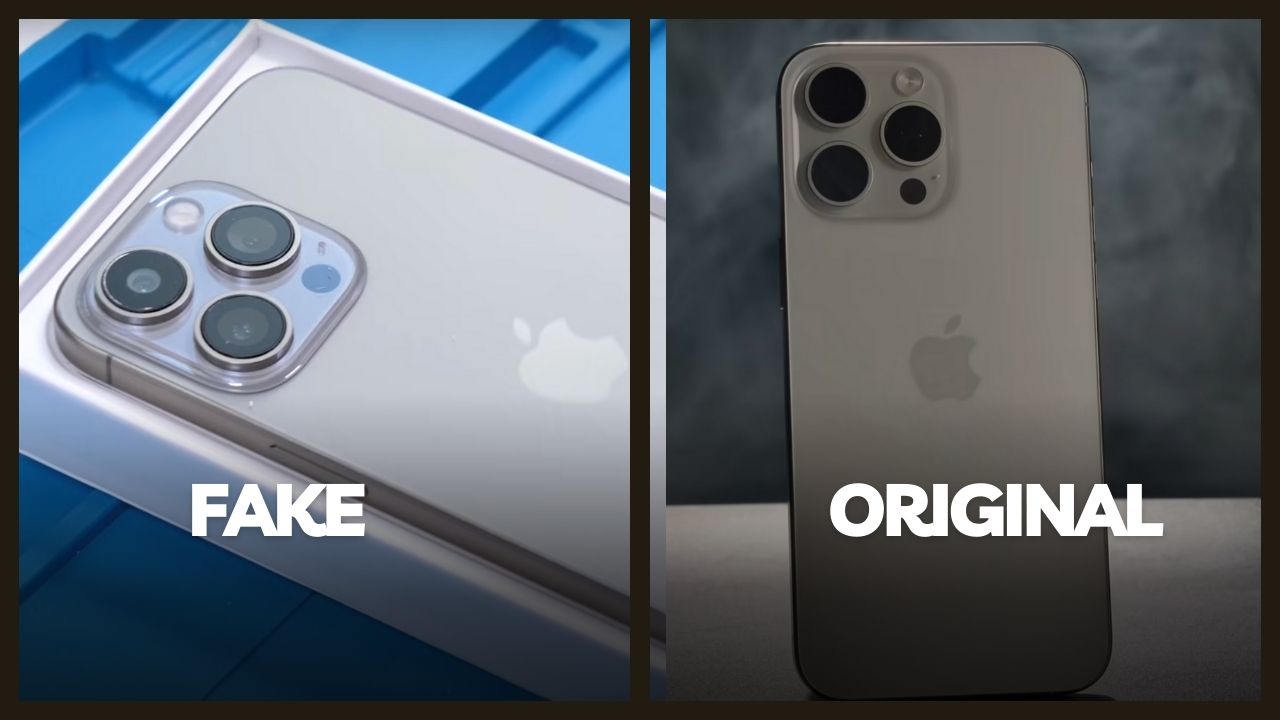
Spotting Fake iPhones vs Original in the Nigerian Market: A Safety Guide
The demand for iPhones in Nigeria is at an all-time high. From the latest iPhone 15 Pro Max to older models like the iPhone 11, these devices are symbols of status and productivity. However, the popularity of Apple products has led to a flood of high-quality clones and fake devices in markets like Computer Village and online classified sites. These fakes often look identical to the real thing but run on modified Android software and low-quality hardware components.
Instructions for Verifying iPhone Authenticity
If you are planning to buy a used or brand-new iPhone, follow these instructional steps to ensure you are getting an original Apple product.
- Verify the Serial Number on Apple's Official Site Go to Settings then General, and tap About to find the Serial Number. Copy this code and visit the official Apple Check Coverage website. An original iPhone will show its valid purchase date and warranty status. A fake device will return an error message saying the serial number is invalid.
- Test the App Store Functionality Open the App Store icon on the device. If the phone is a fake, it will often redirect you to the Google Play Store or a generic Chinese app market. Original iPhones will only open the official Apple App Store. Try searching for an Apple exclusive app like iMovie or Keynote to confirm.
- Examine the Physical Build and Screws Original iPhones use specialized pentalobe security screws next to the charging port. Fake iPhones often use standard Phillips head screws. Additionally, feel the Apple logo on the back. It should be smooth and perfectly flush with the glass or metal body.
- Check the Display and Bezels Fake iPhones usually have thicker bottom bezels (the chin) compared to original Apple displays. Turn on the screen and look at the black borders. If the bottom border is significantly thicker than the top or sides, it is almost certainly a clone device.
The Role of IMEI in Detecting Clones
The IMEI is your most powerful weapon against counterfeiters. Every original iPhone has a unique code registered in the global Apple database.
- Dial *#06# to get the IMEI Retrieve the code directly from the hardware.
- Compare with the SIM Tray The 15-digit code on the screen must match the number engraved on the SIM card tray. If they do not match, the phone has been tampered with or is a clone.
- Run a report on CheckYourIMEI.ng Use our portal to verify that the IMEI corresponds to the correct iPhone model and color. Many fakes use stolen IMEI numbers from older devices.
Frequently Asked Questions
Can a fake iPhone have a working Face ID?Most high-quality clones use basic face unlock software that is easily fooled by a photo. They do not have the sophisticated TrueDepth camera system found in original iPhones. Try setting up Face ID in a dark room; if it works instantly without infrared sensors, it is likely a fake.
Do fake iPhones show up on iTunes?No. When you connect an original iPhone to a computer running iTunes or Finder, the software will recognize the device and show its details. A fake iPhone will only show up as a generic mass storage device or an Android phone.
Why is the camera quality poor on some iPhones?Fake iPhones use very cheap camera sensors. Test the camera by taking a photo and zooming in. If the image is extremely grainy or if the "Portrait Mode" looks like a fake blur, you are likely holding a counterfeit device.