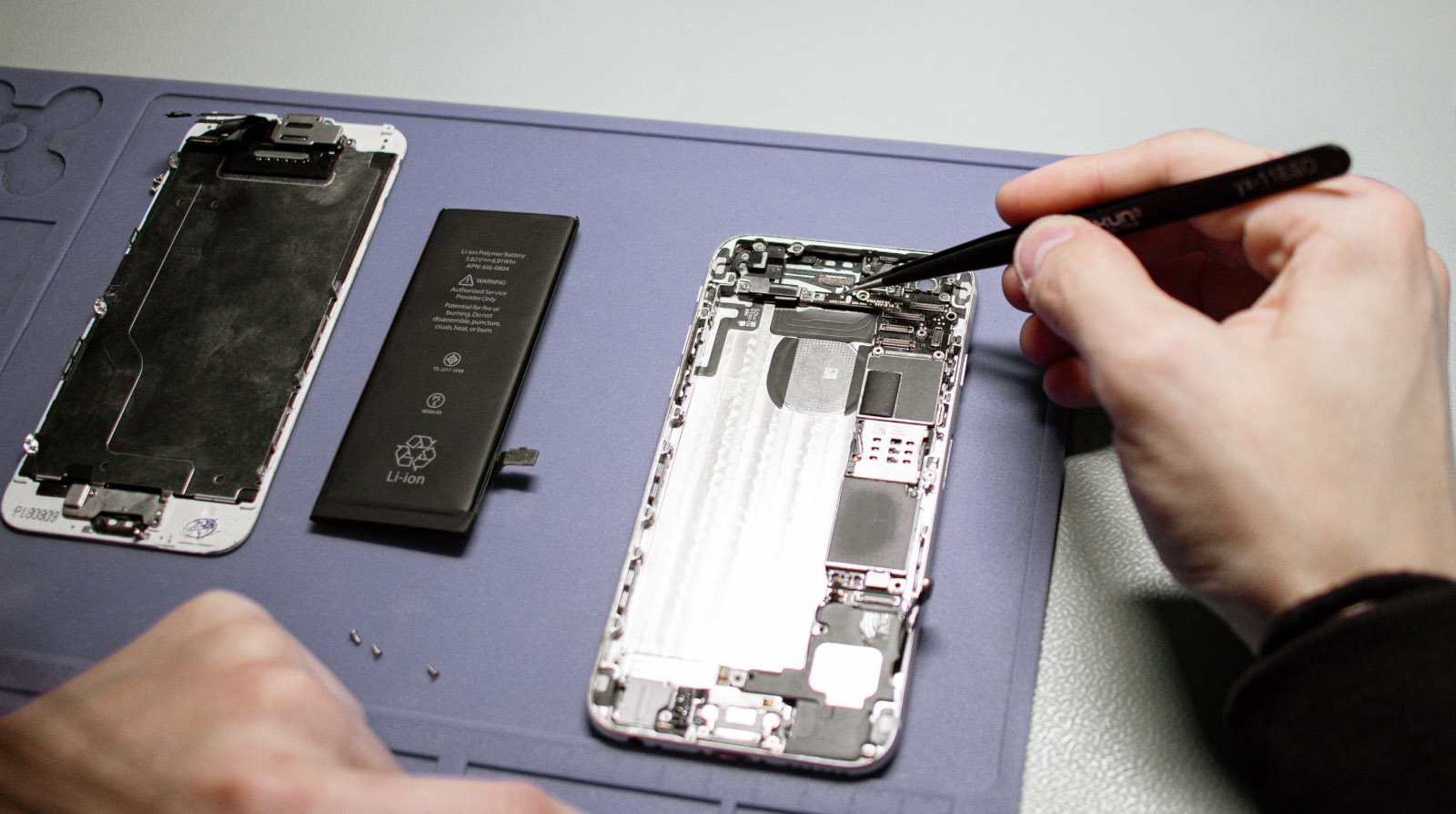
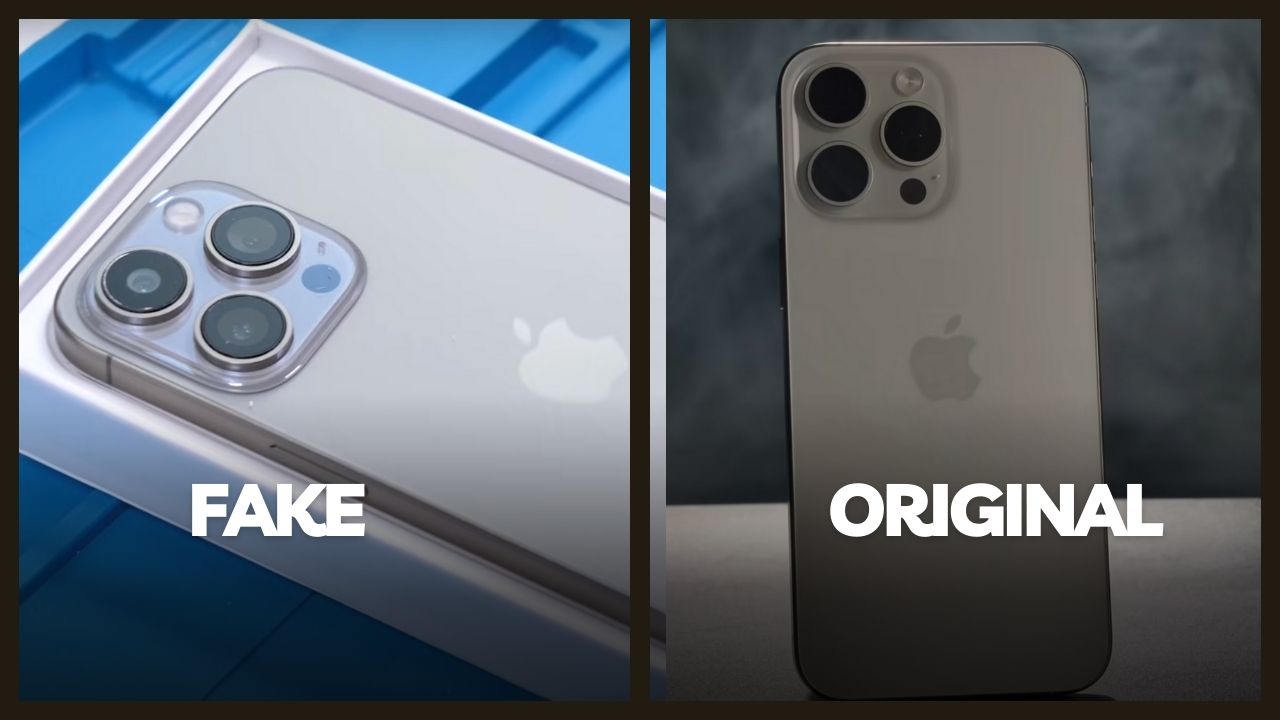
As the mobile economy in Nigeria grows, so does the creativity of fraudsters. In 2026, scammers are no longer just lurking in physical markets like Computer Village; they have moved into digital spaces like Jiji, Facebook Marketplace, and even your WhatsApp inbox. From selling high quality clones to sending fake bank alerts, these criminals target unsuspecting buyers and sellers. Understanding their tactics is the first step toward securing your finances and your personal data.
Instructions for Spotting Fraudulent Transactions
Whether you are buying a used iPhone or selling your old Samsung, follow these ordered steps to ensure you are not dealing with a scammer.
- Verify the Seller Physical Presence Never pay for a phone you have not touched. If a seller insists on "delivery first" or asks for "commitment money" before meeting in person, cancel the deal immediately. Always meet in a public, well lit place or a verified shop.
- The "Switch and Swap" Inspection At markets like Computer Village, scammers often show you an original phone, then "package" it in a box and swap it for a dummy or a wooden block while you are distracted. Always perform a final check of the device *after* it has been boxed and right before you pay.
- Confirm the Bank Alert via Your App If you are a seller, never trust an SMS alert. Fraudsters use "Flash Alerts" that look exactly like bank messages but do not actually reflect in your balance. Always log into your official banking app or use USSD to confirm the funds are "Available" before releasing the phone.
- Check the Digital History on CheckYourIMEI.ng Before handing over cash, dial *#06# and run the number through our portal. If the phone is flagged as stolen or the model name does not match the physical device, you are dealing with a scammer.
Popular Scam Tactics in 2026
Stay alert for these specific scenarios that have become common across major Nigerian cities:
- The "Waybill" Scam: An online seller claims the phone is in another state and asks for transport fare. Once you pay, they block your number.
- The iCloud/Google Lock Trick: A seller provides a phone that works fine but is still signed into their account. Once you leave, they remotely lock the phone and demand more money to "unlock" it.
- The Faulty Display Patch: Some technicians use software to hide screen defects or "burn-in" on OLED screens. These defects usually reappear within 24 hours of purchase.
Frequently Asked Questions
What should I do if I already sent money to a scammer?Immediately report the transaction to your bank and the scammers bank. In 2026, the NCC and CBN have improved "Fraud Desk" collaborations that can freeze a recipient account if a report is made within the first 2 hours of the transaction.
Can I get scammed buying a "New" sealed phone?Yes. Scammers have machines that can "re-seal" boxes to make them look factory new. Always open the box in the presence of the seller and verify the IMEI on CheckYourIMEI.ng before the seller leaves.
Is it safe to buy phones from Facebook Marketplace?It can be safe if you follow strict rules. Only deal with sellers who have been on the platform for years and have positive reviews. Never meet in isolated areas and always verify the device identity before payment.