The Nigerian mobile market has seen a massive boom in "Buy Now, Pay Later" (BNPL) services. Companies like EasyBuy, M-Kopa, and PayJoy have empowered millions to afford premium devices by paying in monthly installments. However, this financial innovation has created a highly lucrative, invisible trap in the second-hand phone market.
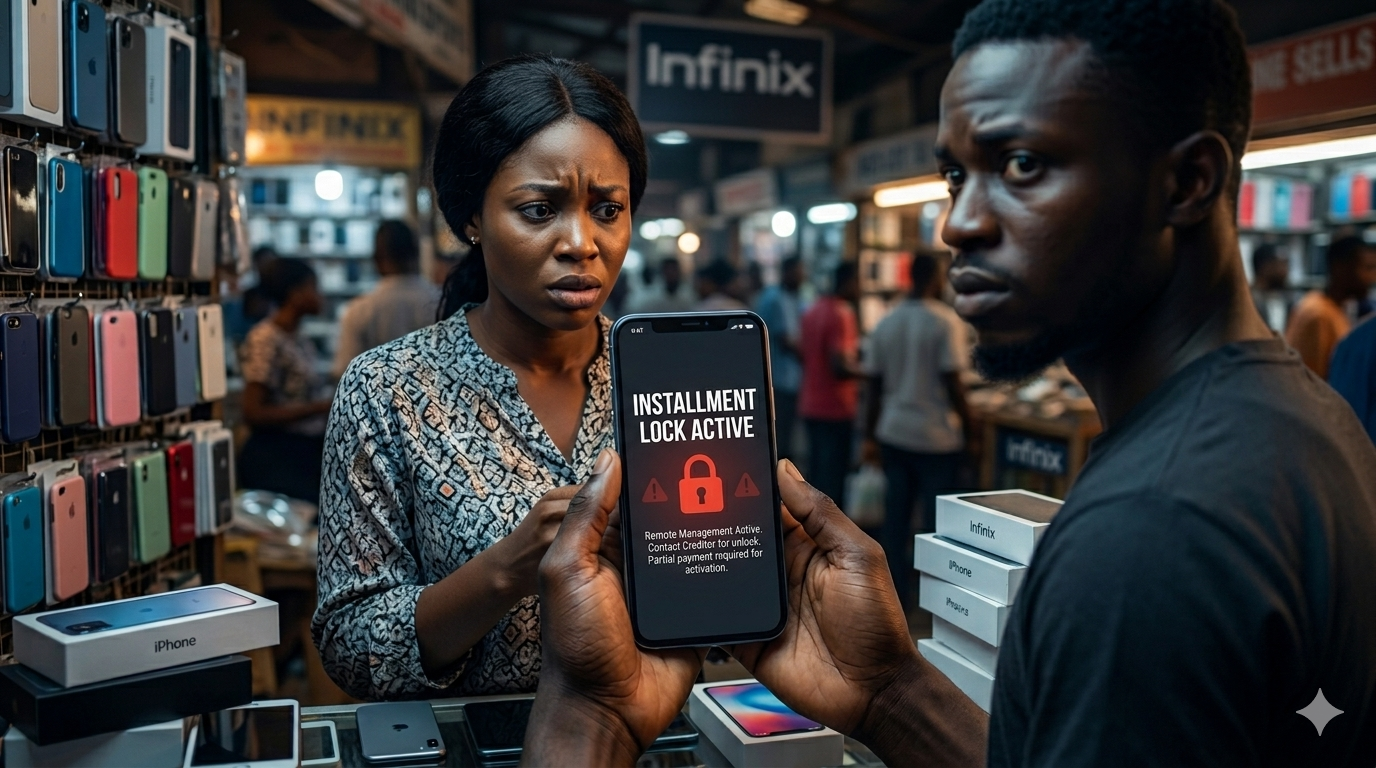
You buy a neat, perfectly working used phone on Jiji, Facebook Marketplace, or from a vendor at Computer Village or Garrison. Two weeks later, a giant warning screen pops up, completely locking the phone until a "debt" is paid. You didn't borrow any money, but because the original owner defaulted on their loan, the finance company has remotely bricked your device. If you want to avoid buying an EasyBuy locked phone, you need to know exactly what to look for.
How the Finance Lock Scam Operates
Scammers exploit the grace period provided by these finance companies. Here is their exact strategy on the streets:
- The Purchase: The scammer walks into a verified retail store, pays a small 30% initial deposit for a high-end smartphone using false or burner credentials, and walks out with the device.
- The Sale: They immediately list the phone online or sell it to a secondary vendor at a highly attractive "distress sale" price.
- The Disappearance: You buy the phone and it works perfectly. But when the scammer’s next monthly installment is due, they vanish. The BNPL company activates the lock over the internet, rendering the phone entirely useless.
3 Ways to Detect an EasyBuy or M-Kopa Locked Phone Before Paying
Unlike a physically damaged screen, an EasyBuy lock is invisible until it is triggered by the company. To protect your hard-earned money, you must perform these checks:
1. The Ultimate Test: The "Live" Factory Reset
This is the single most effective way to catch a financed device. Before handing over your money, insist on performing a complete Factory Data Reset while the seller is standing right there.
Once the phone reboots, connect it to a Wi-Fi hotspot during the setup screen. If the phone is an M-Kopa or EasyBuy locked phone, the device will connect to the company's servers and immediately display a "Device Management" or "Finance" warning, preventing you from setting it up.
2. Search for the "Security Plugin" or Undeletable Finance Apps
If the seller refuses to let you factory reset the phone (which is a massive red flag on its own), check the app drawer and settings. Look for apps named EasyBuy, M-Kopa, PayJoy, or Device Lock Controller. Try to uninstall them. If the phone prevents you from deleting the app, it means the device is currently under a binding finance contract.
3. Check Device Administrator Permissions
Finance apps enforce their rules using a hidden "Security Plugin." On Android phones, go to Settings > Security > Device Admin Apps (or search "Device Admin" in the settings search bar). If you see an unrecognized app or a "Security Plugin" that has administrator privileges and cannot be toggled off, drop the phone immediately. The seller does not have full ownership of that device.
Frequently Asked Questions
Can Computer Village guys flash an EasyBuy locked phone?While some roadside technicians claim they can "flash" or bypass an EasyBuy or M-Kopa lock by removing the security plugin, it is highly illegal and voids the warranty. Worse, it often breaks core functionalities of the phone (like banking apps or future software updates). In most cases, the lock returns the moment you connect to the internet.
If the phone is locked by a creditor, is it considered stolen?Technically, yes. The finance company holds the legal title to the phone until the final payment is made. Selling property that belongs to a creditor is a form of theft. This is why you should always run the device's 15-digit identifier through our platform.
Don't inherit someone else's debt.
Verify Your IMEI Free Today